First lesson was posted today, but she's keeping each lesson up on the page and sign-up is still available.
I just started lesson one. Her e-course is so student-friendly - complete with video lessons and pictures and fonts to download and play with! I have never taken a photoshop course, just learning as I go with PS Elements 7 and gathering some tips here and there on the web. Even though I know very little about all the program offers, at first I thought day one would be too basic for me, but I soaked up some very useful tips regarding setting up preferences and arranging the workspace.
While I could have created these next photos before this course, I did pick up some tips about manipulating the font tools.

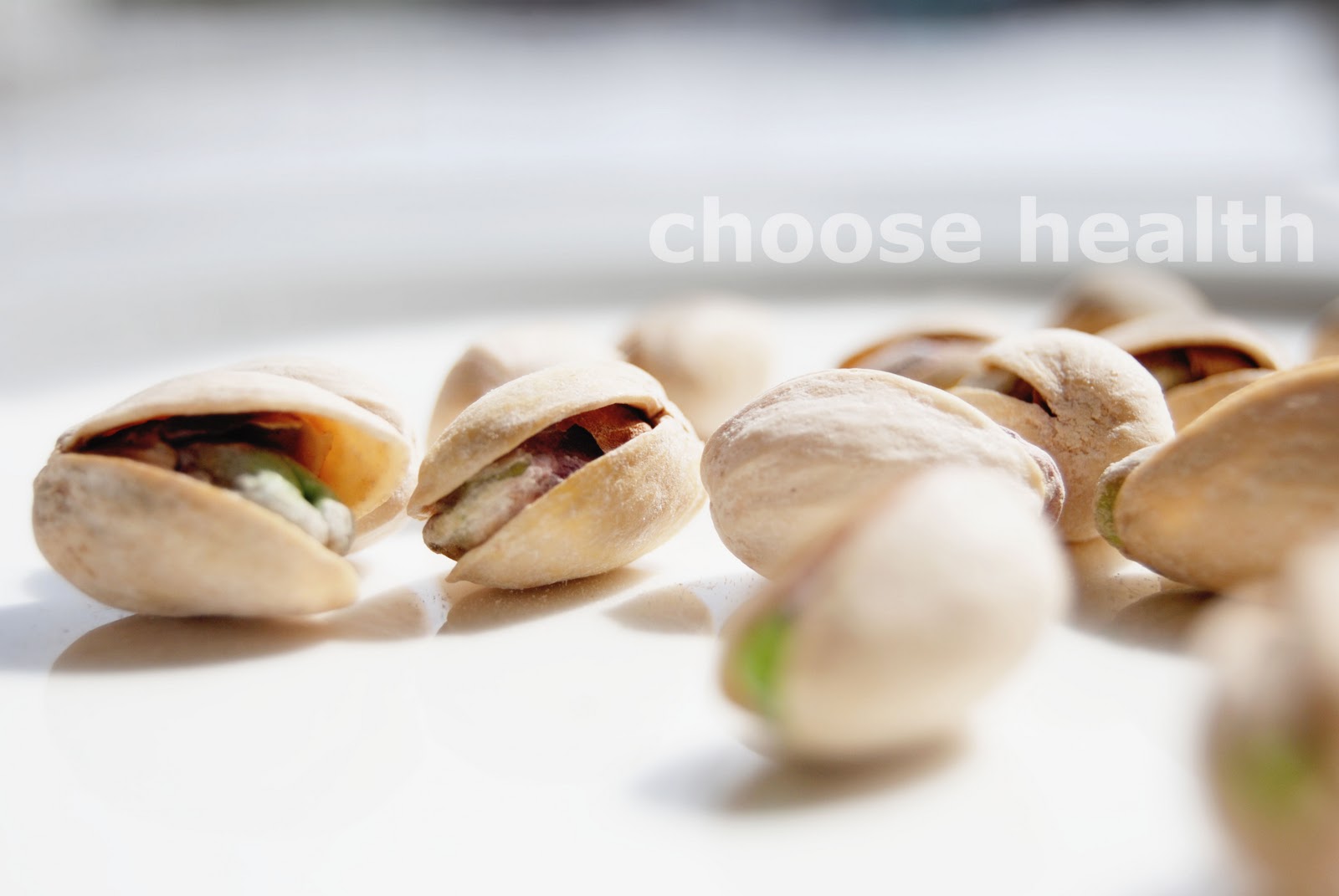
The first tutorial covered cropping an image and adding type. She used a picture of a daisy with the word, "strength." In my sample above, I followed her first tutorial "to-a-tee" using an image I had taken a few years ago in my mom-in-law's garden. I like the "vtRemingtonPortable" font (a download link is included in the course.)
I didn't crop this next sample - my brother-in-law's dog that lives with mother-in-law :)
I just flipped the image horizontally and then added type. (I'm also pretty sure I had cleaned up the SOOC shot when I originally saved it.) I learned in lesson one that the size of the font will vary with the resolution. The original photos were 72 ppi, but when cropped they became 460.8 ppi. In the photo below, the font is set at 500 pt where as the text in the cropped photo above is 30 pt.
Here are the SOOC shot of these two edits:
There is a
flickr group set up for participants to share their work. I'm so looking forward to this!
I will also be joining some other challenges and tracking my efforts here on this blog.
Questions from first set of Homework Worksheets:
1. What is the keyboard shortcut to duplicate a layer in the layers panel? Ctrl+J
2. What panel should you have open at all times? layers
3. What is one method you can use to highlight your text? click on the text layer box
4. What is the keyboard shortcut to revert the foreground and background color to the default black and white? D
5. How do you undo a step in photoshop? Do you know the keyboard shortcut for undo? Ctrl+Z
6. What file format should you save your image under in order to maintain all the layers? psd
 plus this